

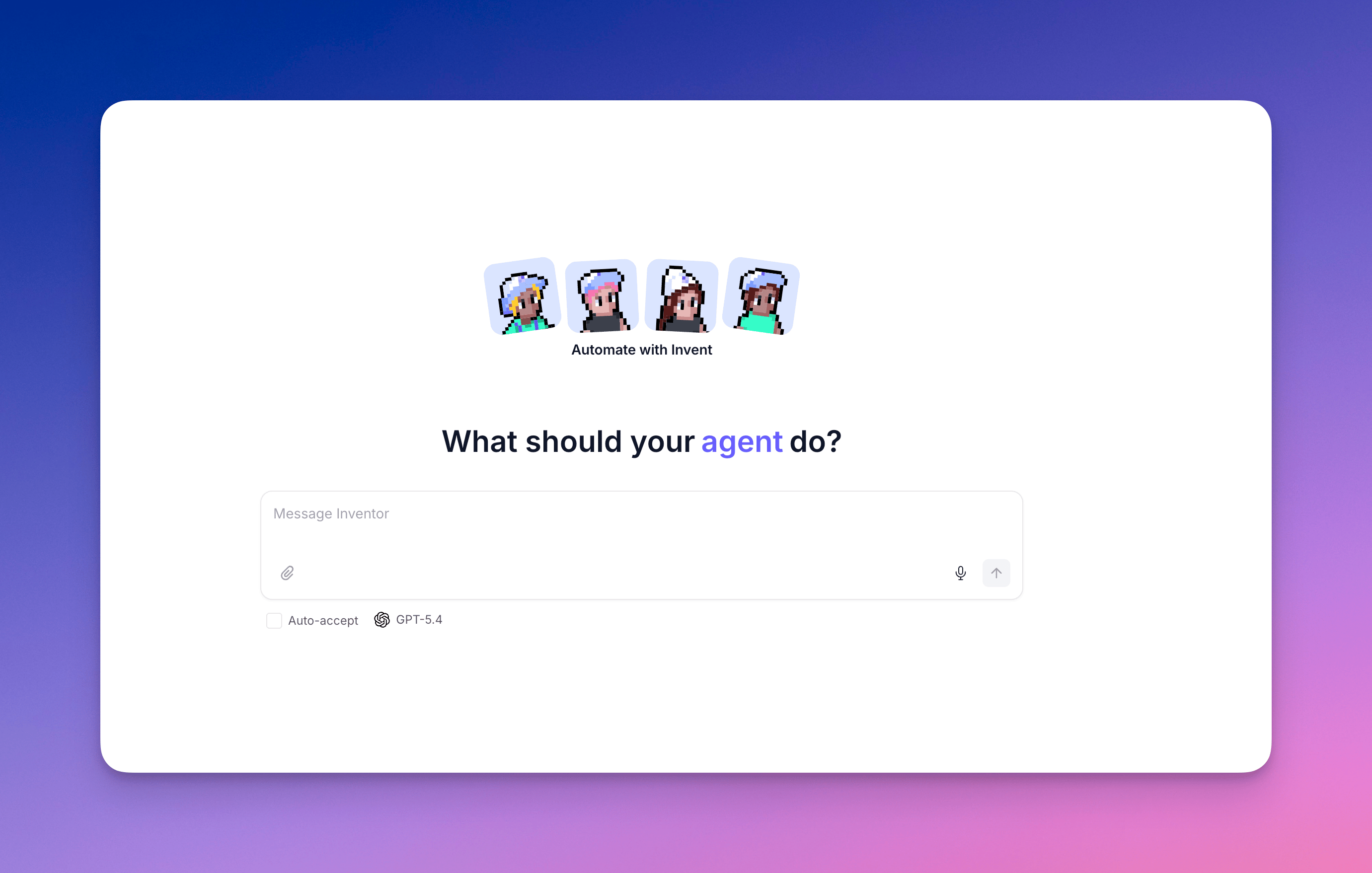
What is Inventor
Inventor is a copilot agent inside the Relevance AI UI. It uses the Relevance AI MCP under the hood to take real actions on your project, so from a single chat surface you can build, debug, and iterate without leaving the platform.What you can do
Build from a description
Create new agents, tools, workforces, and triggers from a natural-language description.
Debug failing agents
Inventor reads run history, identifies the failing step, explains what went wrong, and proposes a fix.
Iterate on existing assets
Change a prompt, swap a model, restructure a workforce, or regenerate a tool’s schema.
Discover before you build
Find existing agents and tools before building duplicates.
Recommend the right abstraction
Get a recommendation on tool vs. agent vs. workforce based on your use case.
Build and improve evals
Diagnoses errored logs and tools, explains why a run failed, and proposes how to fix it — so you can build stronger evals.
Where to find Inventor
Inventor is available from several places, so you can reach it wherever you’re working.- Home page
- While editing an agent
- When creating an agent
- When creating a tool
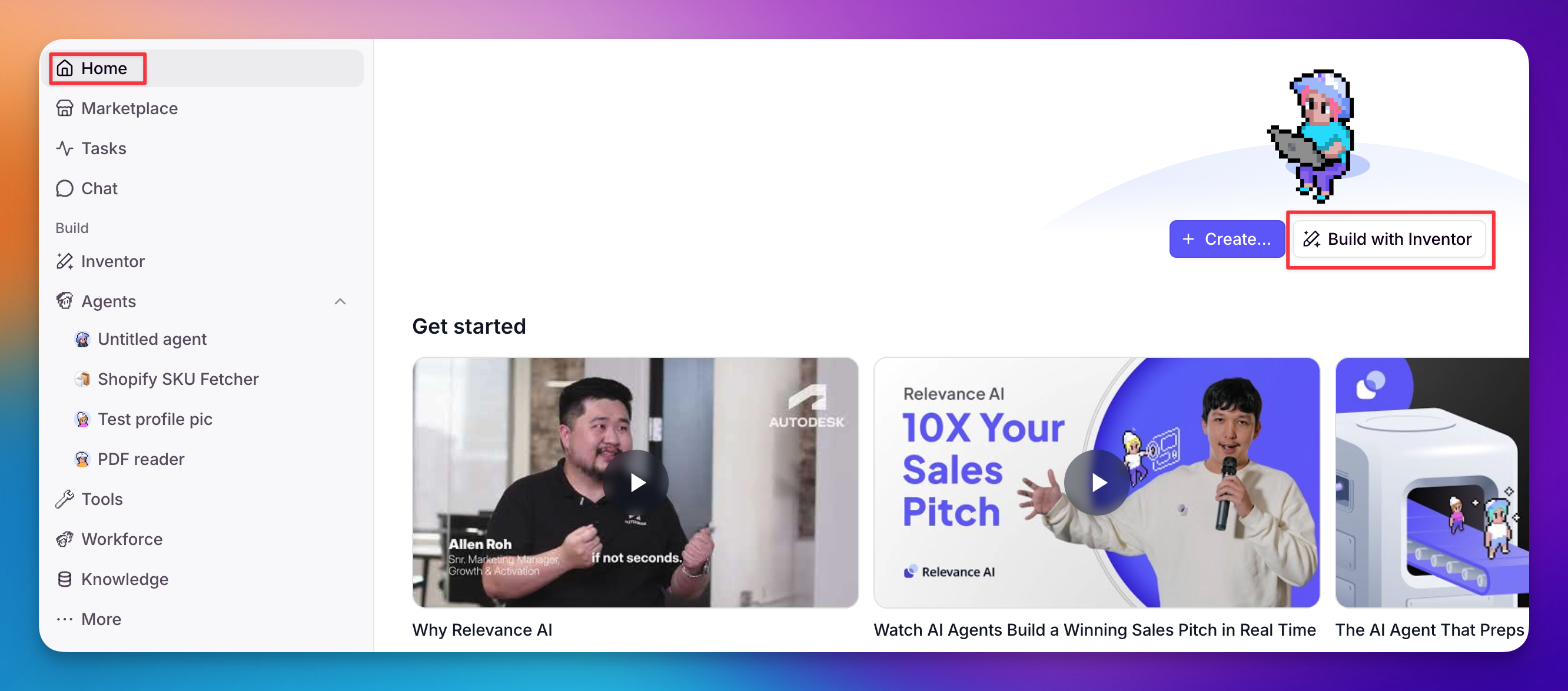 Inventor has its own item in the left sidebar that opens a full home page — a central hub for all your Inventor conversations. The same Inventor is available as a persistent side panel from any builder page — tool, agent, workforce, knowledge, and home — so you can reach it without navigating to a specific route.Start Inventor from the home page: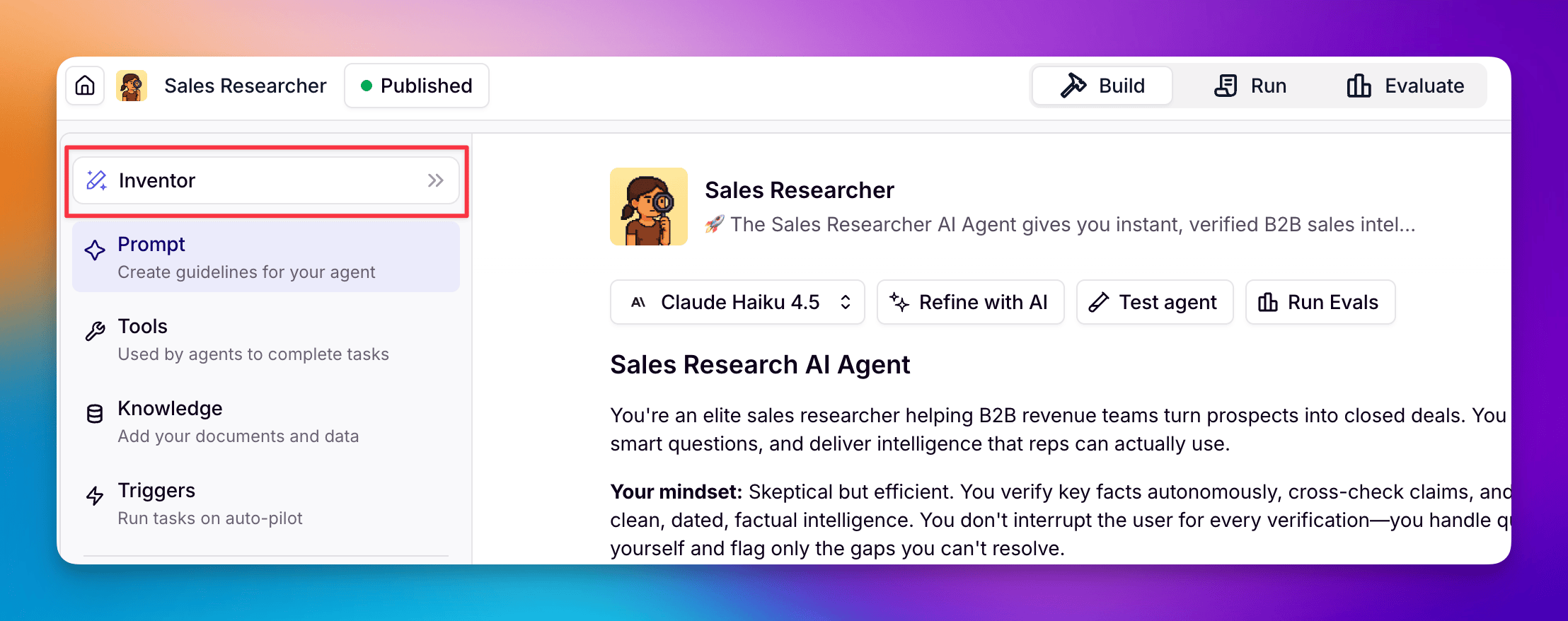
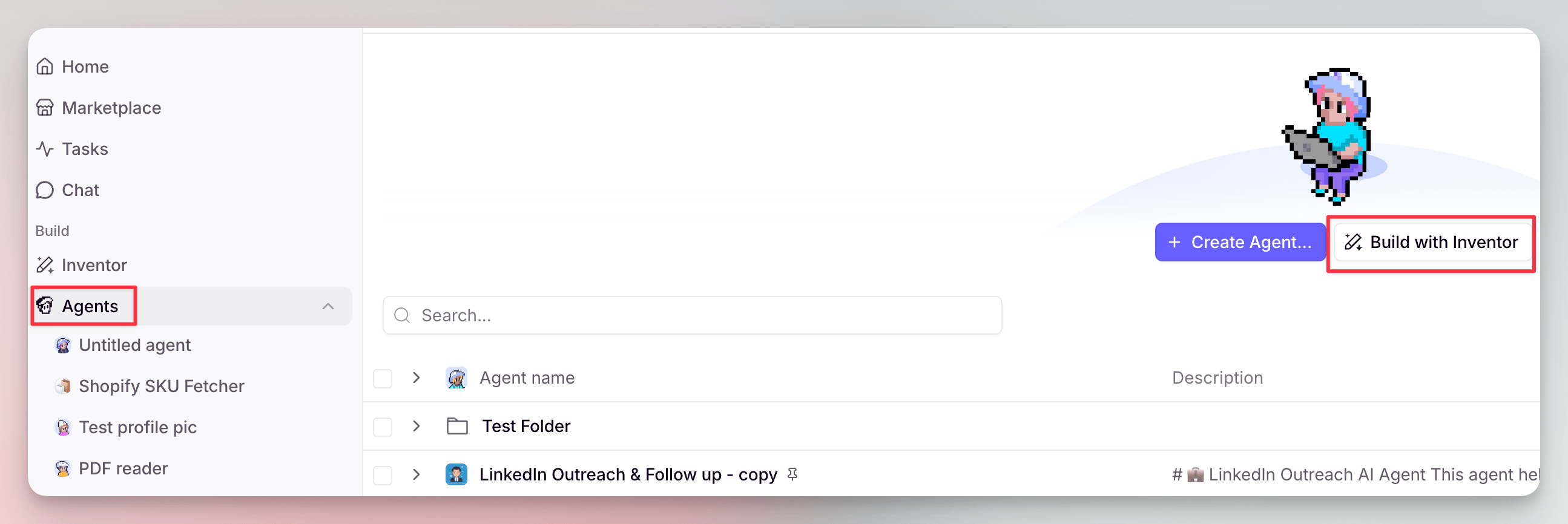
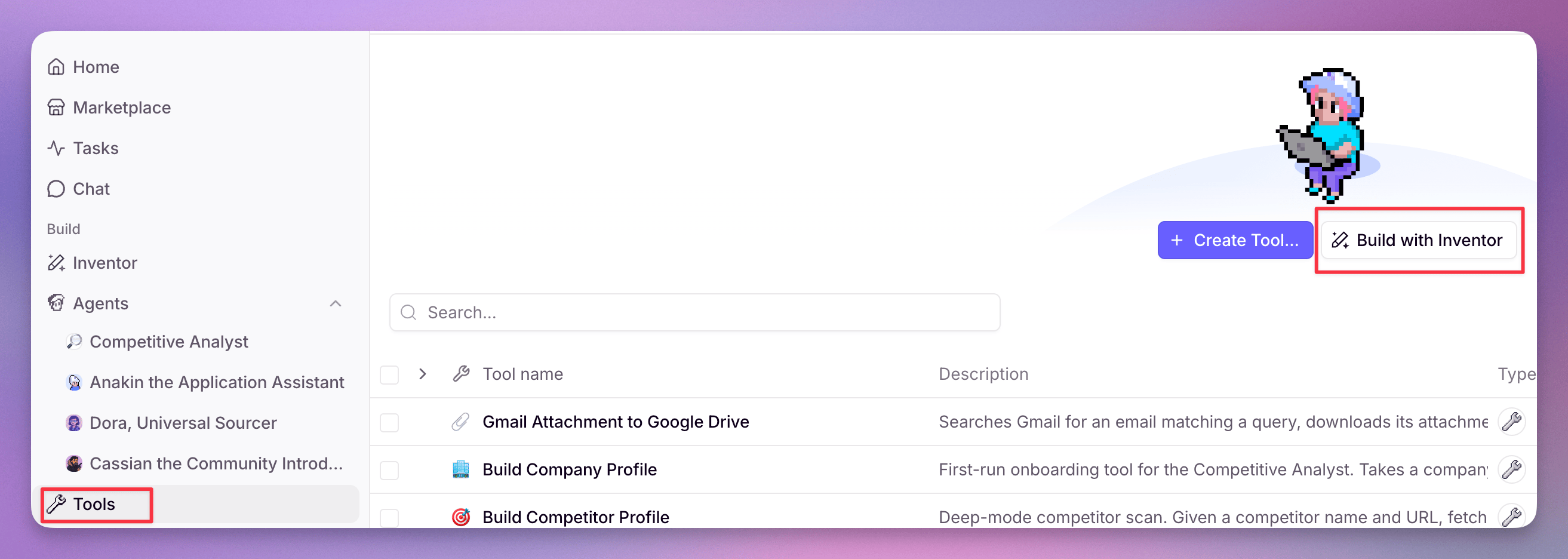
How to use Inventor
Describe what you want
Type a natural-language description of what you want to build, debug, or iterate on — agents, tools, workforces, and triggers. Be specific about the outcome you’re after.
Inventor features
- Auto-accept
- Model selection
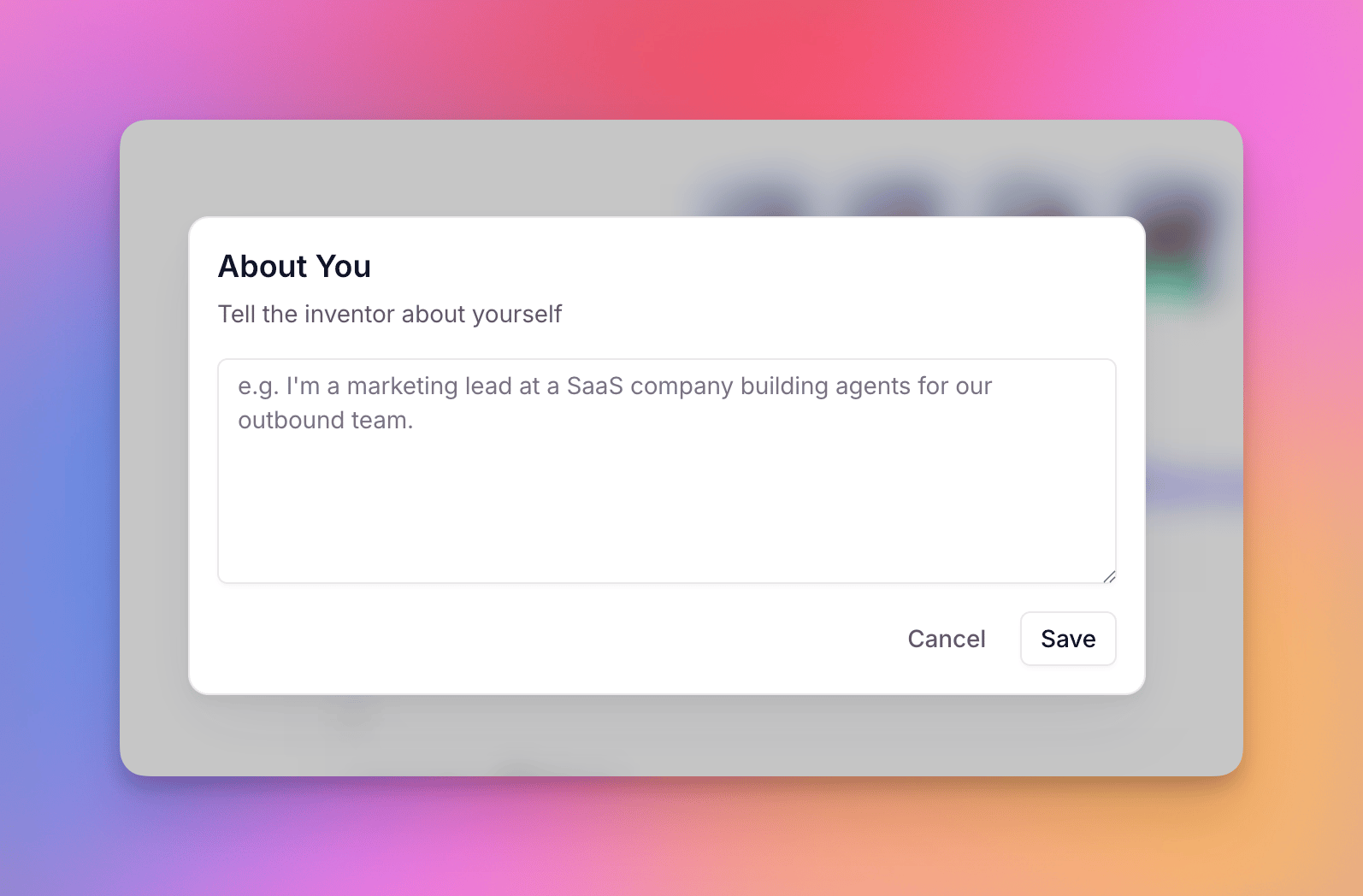
- About You
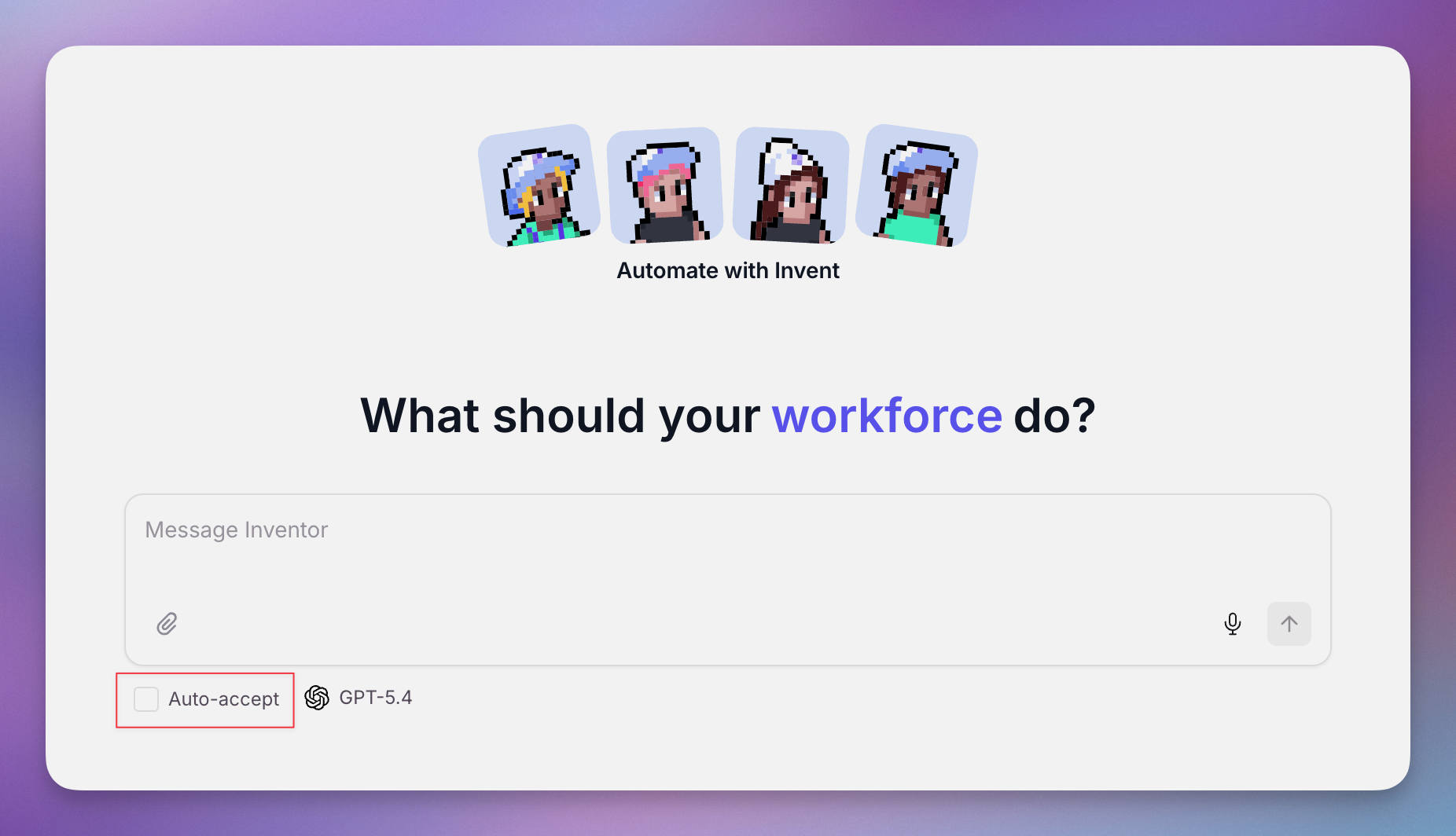 By default, the changes Inventor makes land in draft so you can review and approve them before they go live. Turn on auto-accept to let Inventor apply its changes as it works, without stopping for your approval. Keep it off when you want a checkpoint on each change, and turn it on when you trust Inventor to iterate quickly.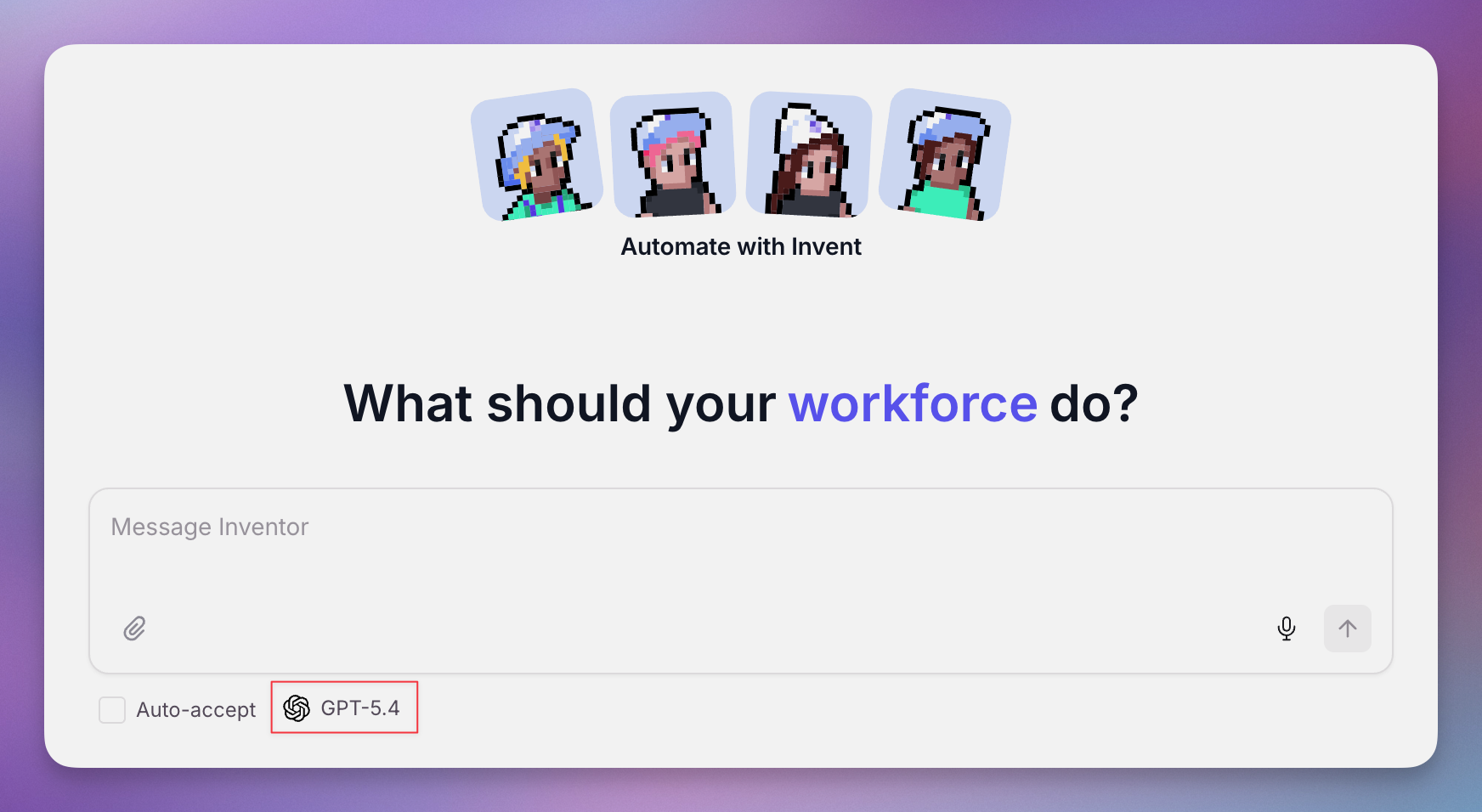
MCP vs Inventor
Inventor and the Relevance AI MCP are often compared, but they solve different problems. Inventor builds things inside Relevance AI from natural language. The MCP connects Relevance AI to the outside world — letting external clients call your tools, and letting your agents reach into external services.Inventor
A copilot inside Relevance AI. Describe what you want and it builds or edits agents, tools, and workforces for you, landing changes in draft for review.Reach for it when you want to build, edit, or debug something inside Relevance AI by describing the outcome.
Relevance AI MCP
A bridge to other tools. Call your existing Relevance AI tools from external clients like Cursor or Claude with the MCP Server, or let your agents call services like Notion and Linear with the MCP Client.Reach for it when the tool already exists and you want to run it from Cursor or Claude, or let an agent call an outside service.